GitHub Login
Quick Start
Follow the steps below to configure GitHub login for your project.
Create a GitHub OAuth App
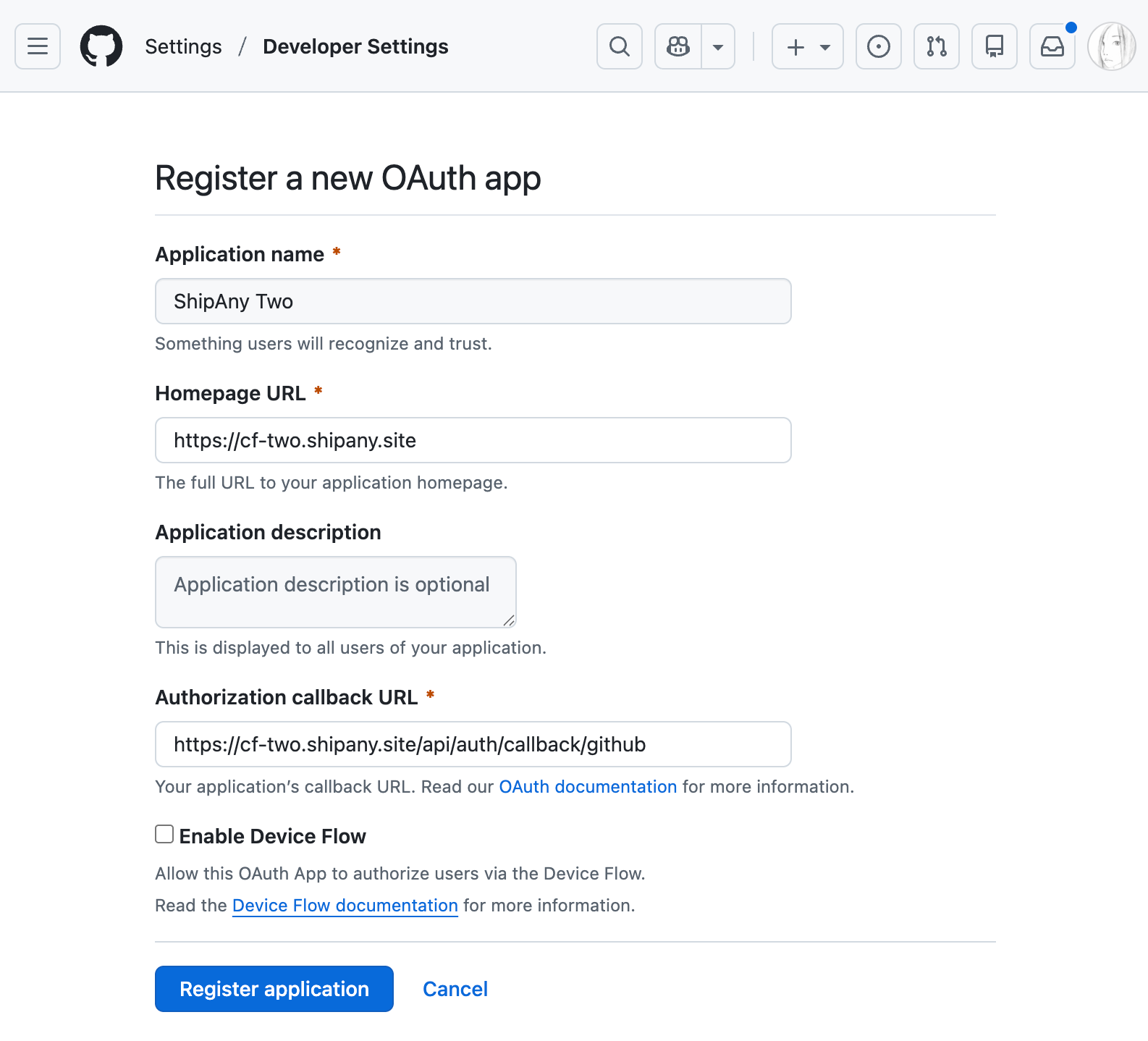
Go to GitHub Developer Settings, click the New OAuth App button, and create a GitHub OAuth app.
- Set
Application nameto your project name. - Set
Homepage URLto your project domain. - Set
Authorization callback URLto your project callback URL in the following format:
https://{your-domain}/api/auth/callback/githubClick the Register application button to finish creating the app.
Copy the GitHub Client ID and Client Secret
On the app details page, click Generate a new client secret to create a new client secret.
Copy the Client ID and Client secret.
Configure GitHub Login
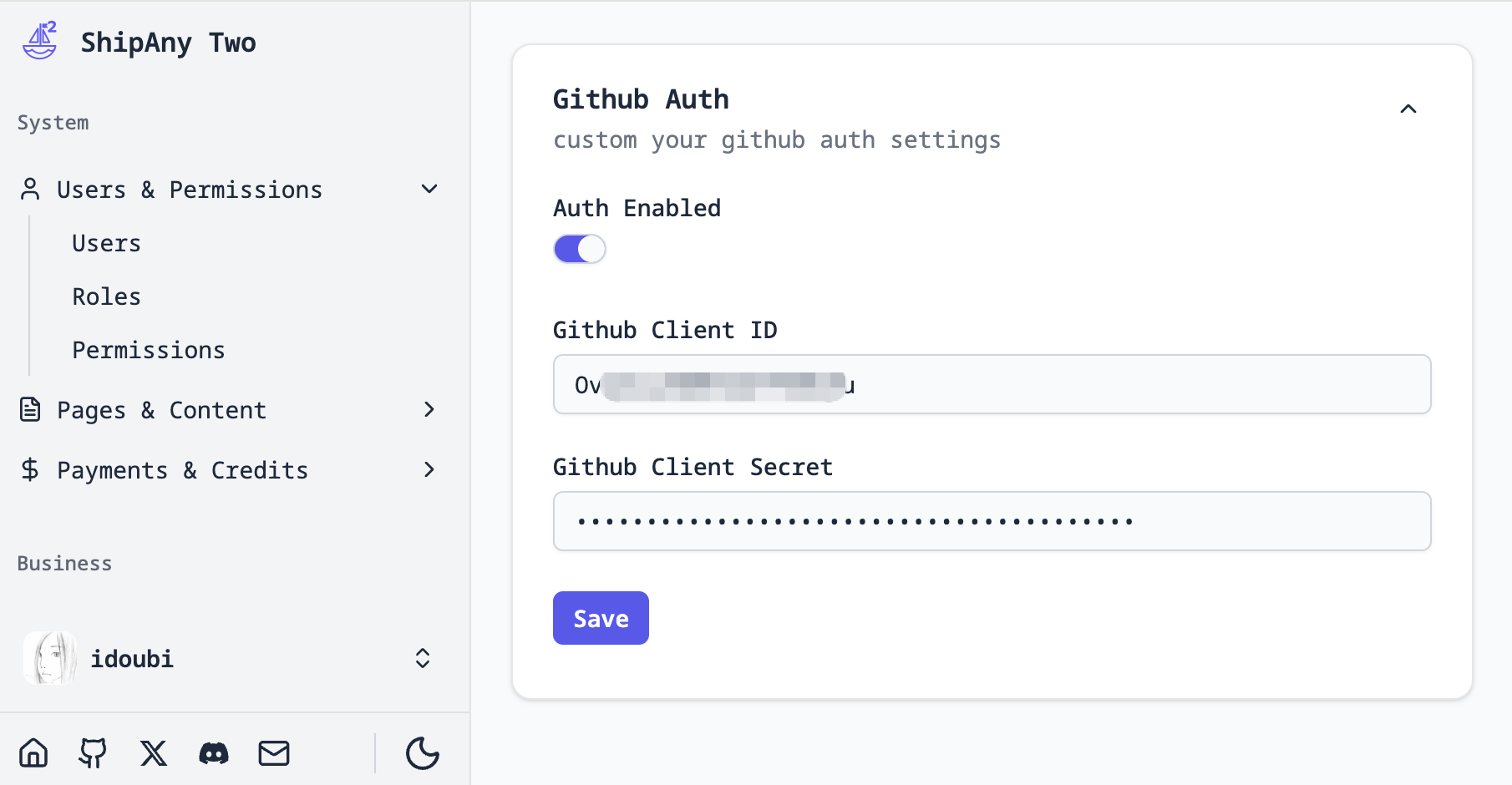
In the project admin console, go to Settings -> Auth -> Github Auth and fill in the Client ID and Client secret you copied in the previous step.
Turn on Auth Enabled to enable GitHub login.
Click Save to save the configuration.
Verify GitHub Login
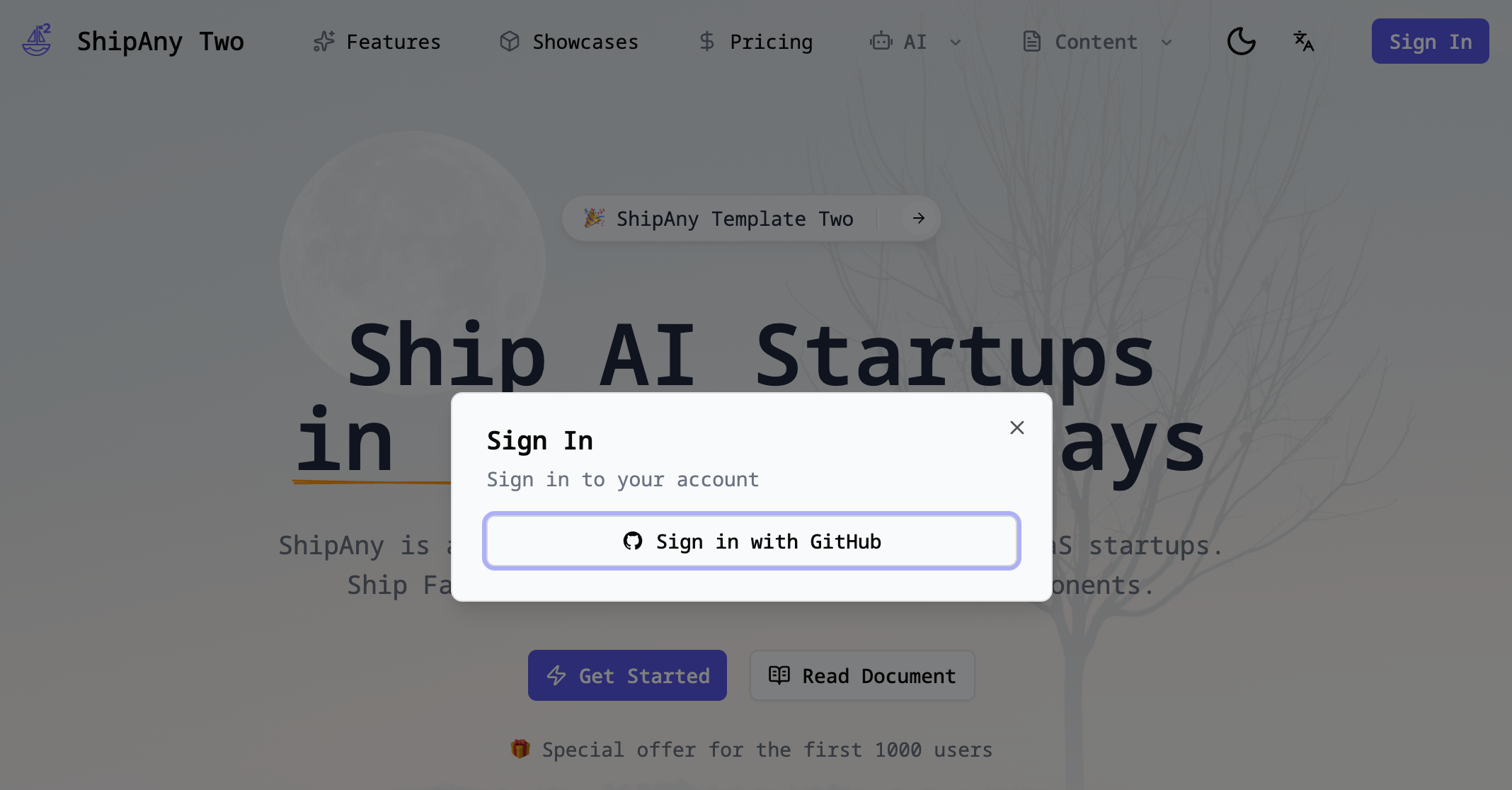
Go to your project homepage, refresh the page, and click the Login button in the top-right corner to see the GitHub login option.