Email Login
ShipAny supports email login by default—enable it with a simple setup.
Quick Start
Before enabling email login, you need to configure the database and authentication.
See: Set up the database.
See: Configure authentication.
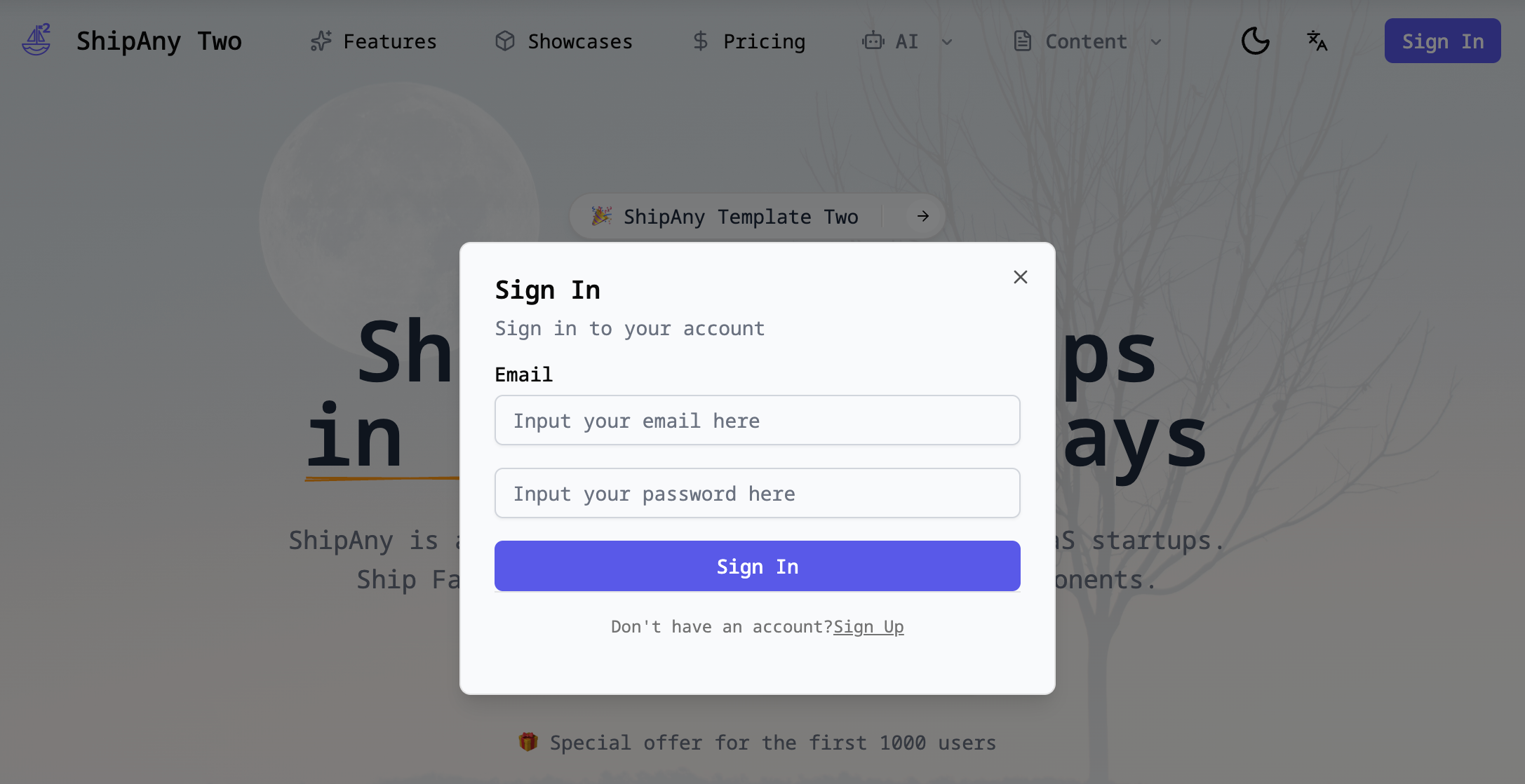
After finishing the database and auth setup, visit the website homepage and click the Login button in the top-right corner to see the email login entry.
You can register a new account with your email and log in on this page.
See: Configure the admin console to grant super admin permissions to the first account created via email registration.
After logging into the admin console, you can configure other login methods and optionally disable email login.
Disable Email Login
In the project admin console, go to Settings -> Auth -> Email Auth and toggle Enabled off to disable email login.
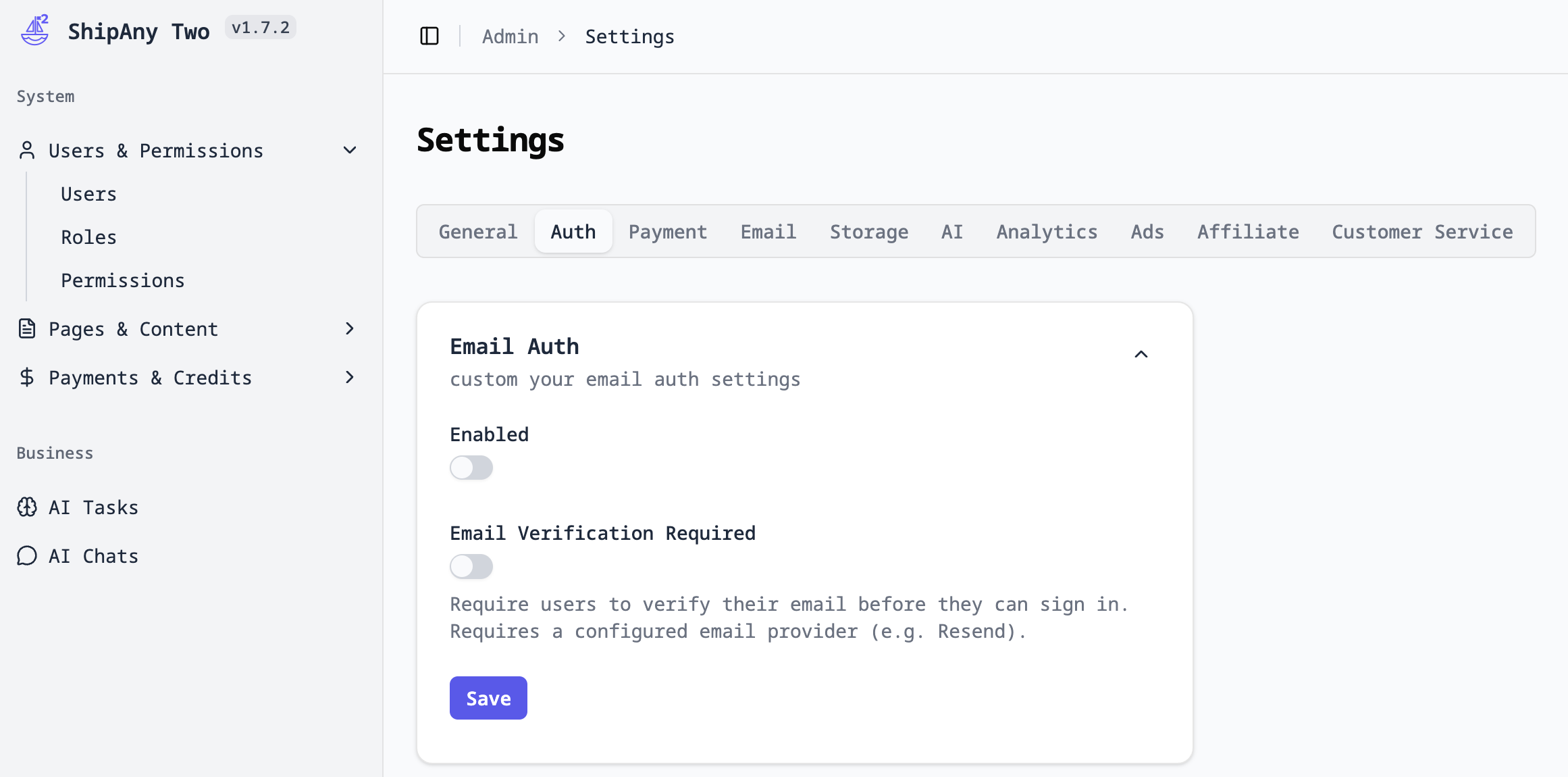
After disabling email login, users will no longer see the email login option on the login page. Make sure you have configured other login methods before turning off email login.
For other login methods, see:
Email Verification
After enabling email login, by default users can register a new account and log in with any email address that matches the email format.
However, an address may look valid but still be unable to receive emails—for example: test@111.com.
To prevent malicious sign-ups, you can enable email verification.
Email verification depends on an email service. Before enabling email verification, make sure you have configured an email service.
Email service setup:
In the project admin console, go to Settings -> Auth -> Email Auth and toggle Email Verification Required on to enable email verification.
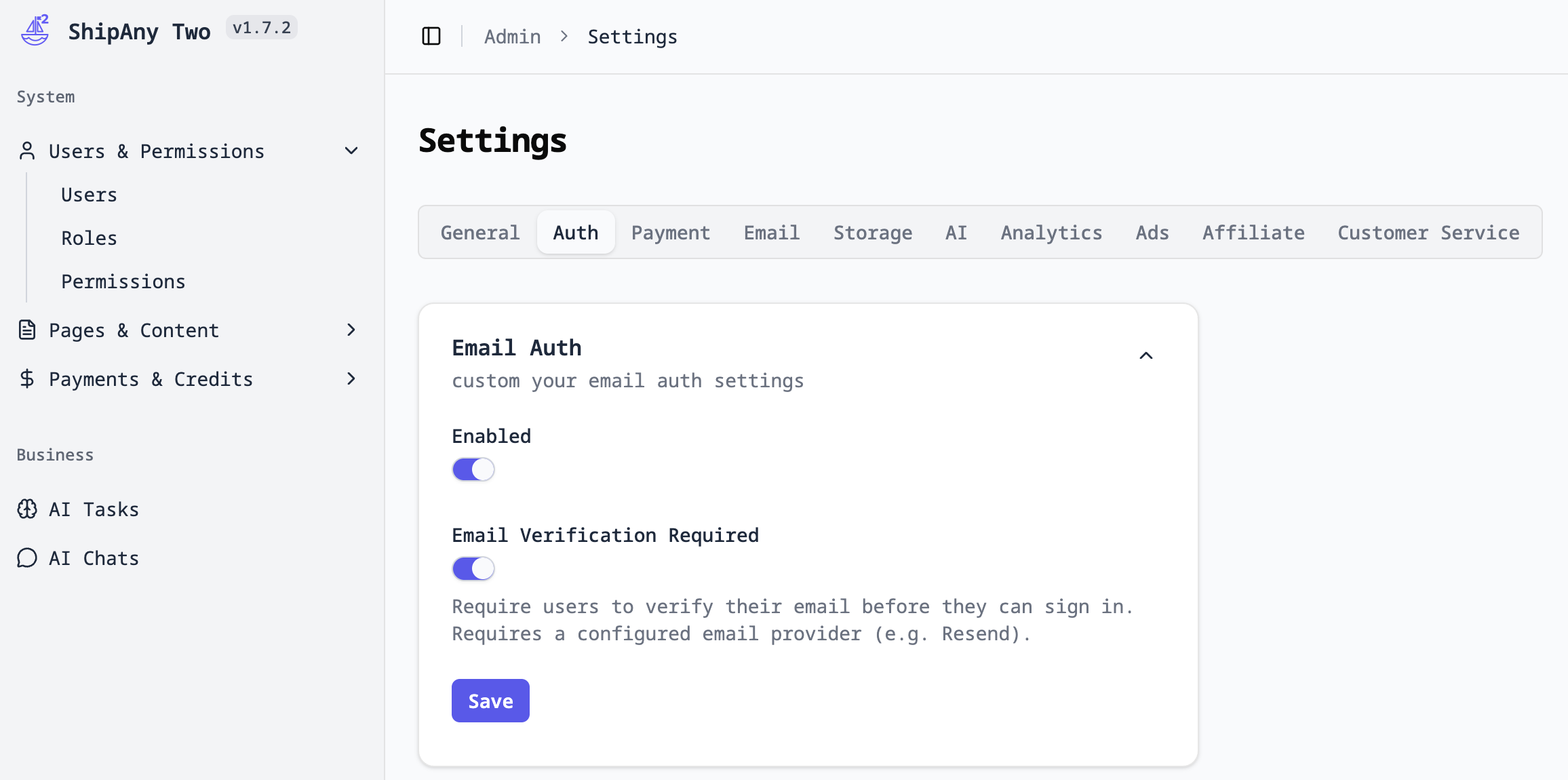
After email verification is enabled, when users register or log in with email, they will be redirected to a verification-waiting page if their email is not verified.
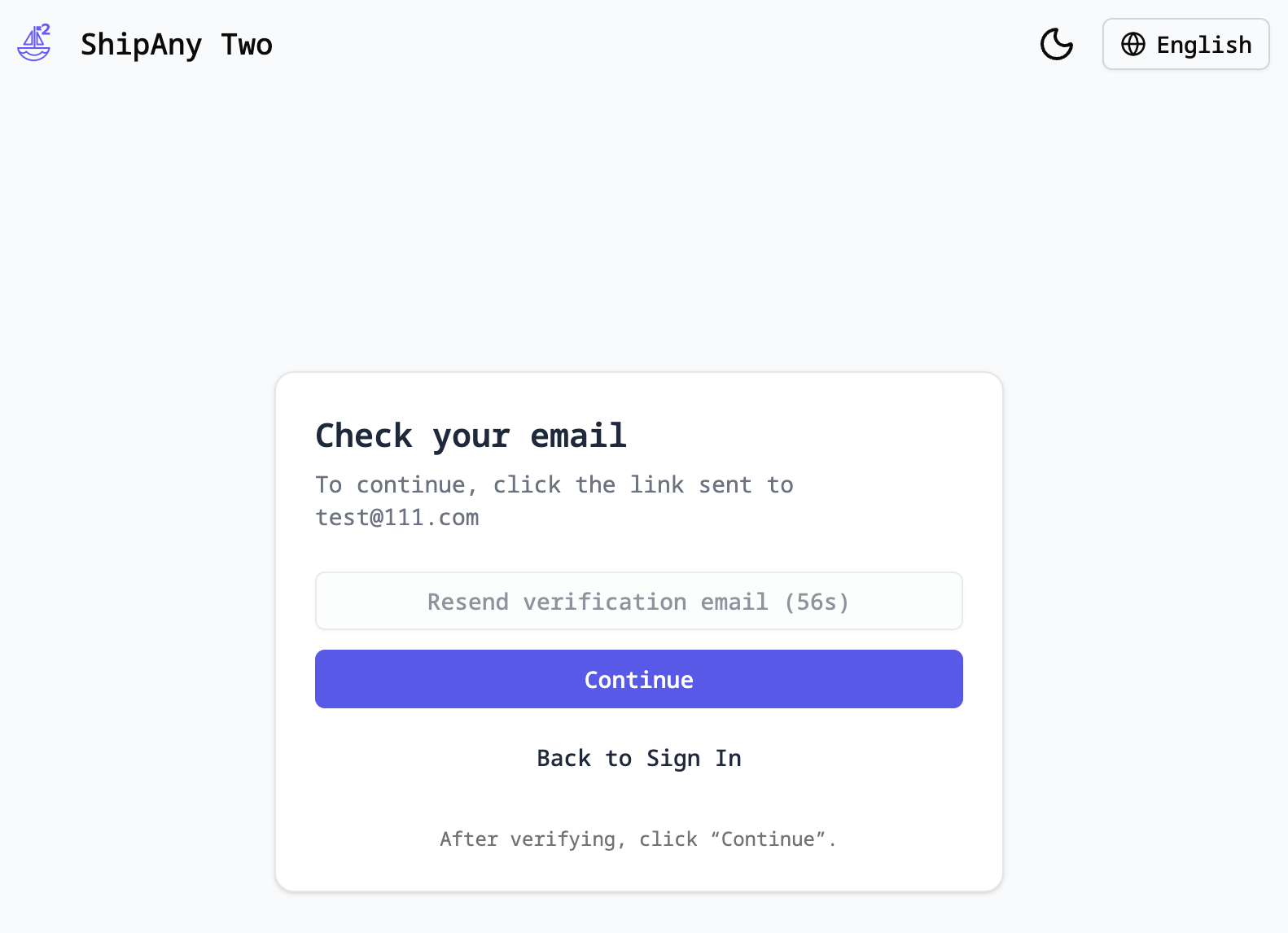
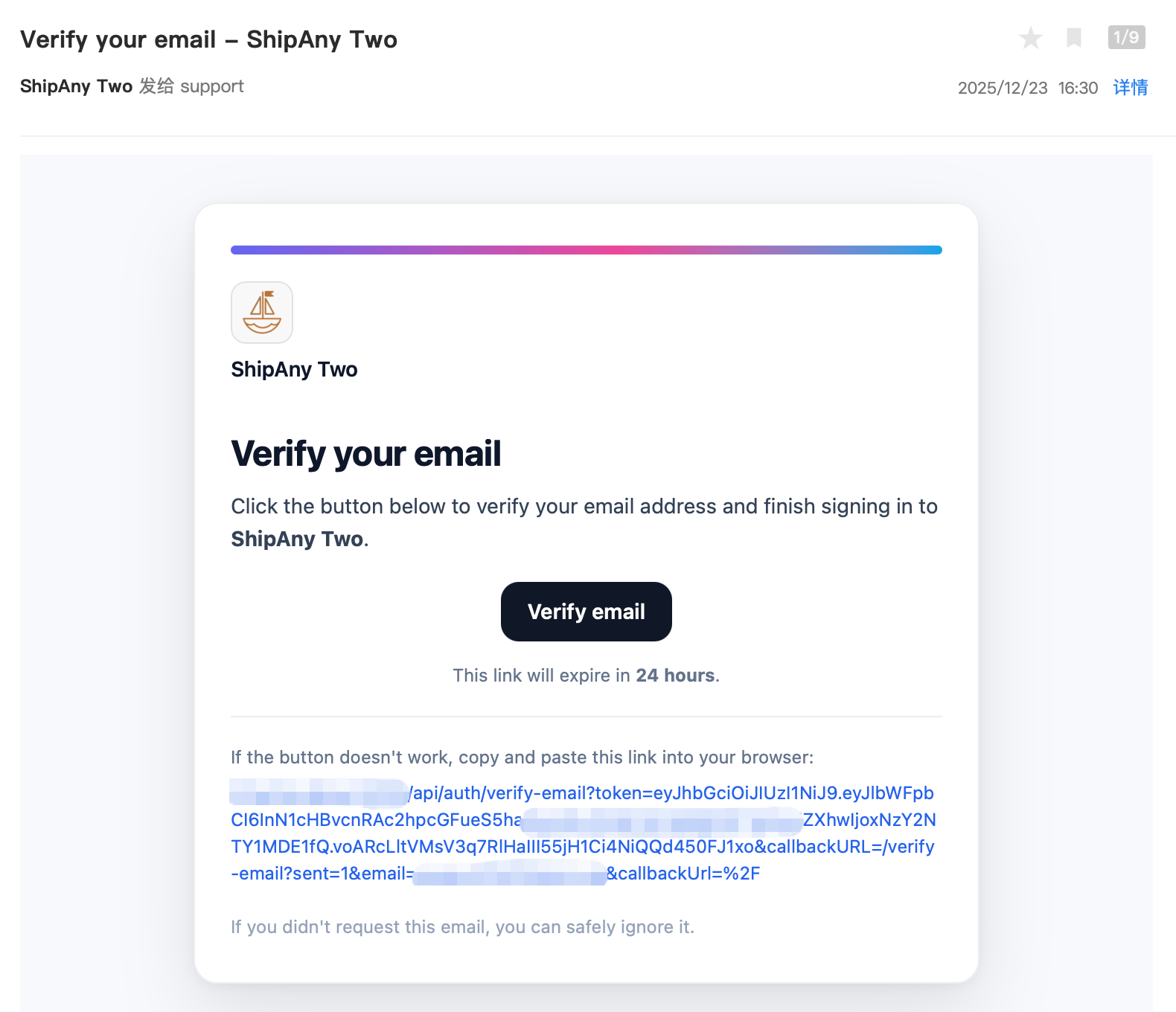
Users will receive a verification email. After clicking the verification link to complete verification, they can use email login normally.